Work instructions
Why video is better than text for work instructions (and when it isn't)
· Updated · 7 min read
Most written work instructions describe a movement. "Insert the clip at a slight angle and press until it seats." The operator then has to turn that sentence into what their hands should do. Some get it right first time. Some get it nearly right, and nearly right is where scrap and rework come from.
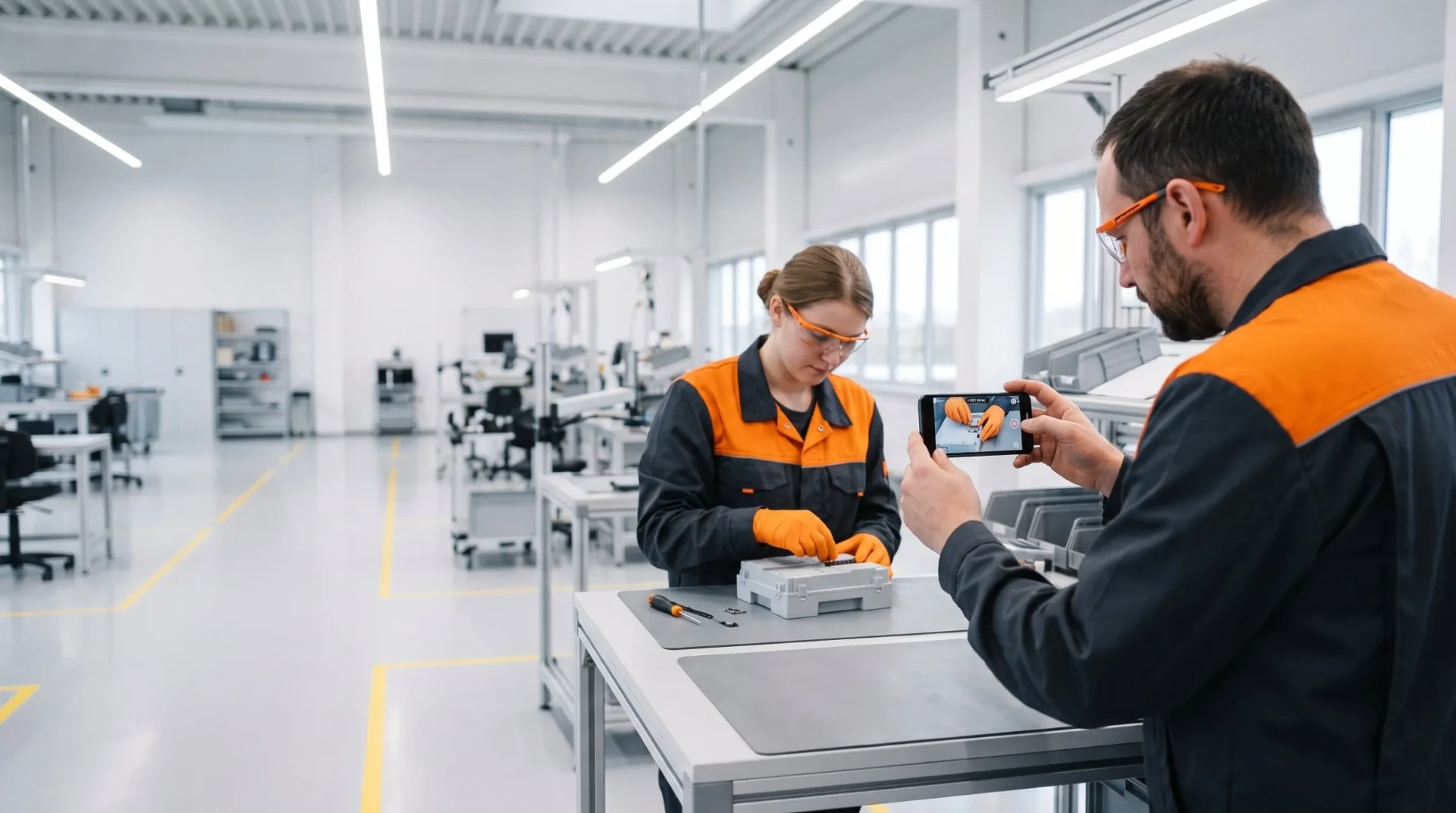
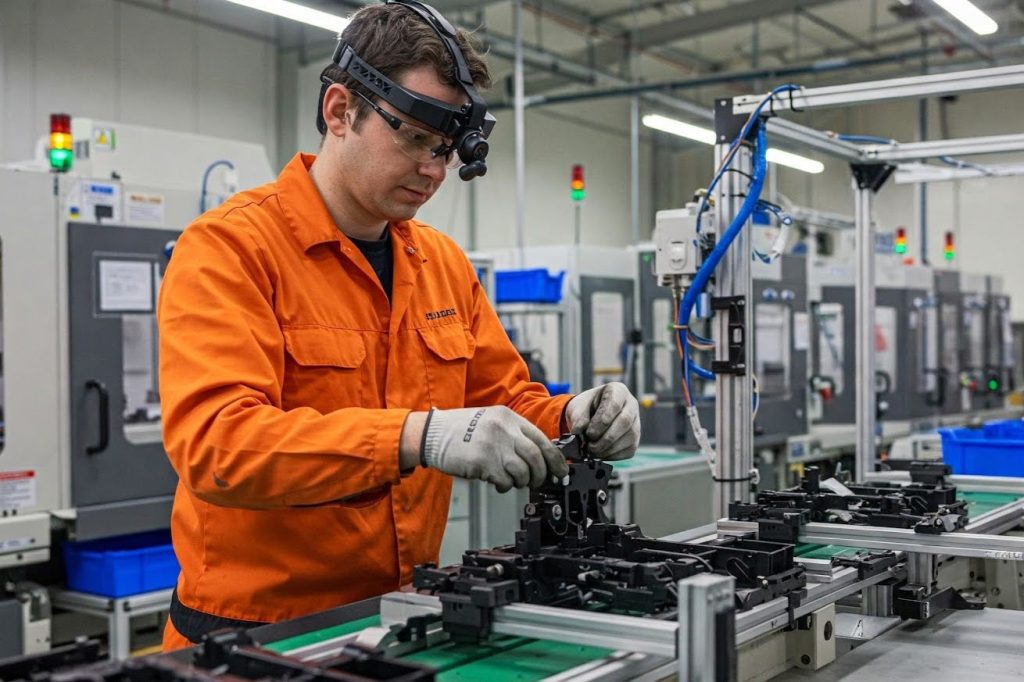
A ten-second clip of an experienced operator fitting the clip removes the guesswork. That is the whole case for video in work instructions, and it does not need attention-span statistics to back it up. It comes down to what the operator has to do at the station.
Video is not always the right format, though. Some content is better as text, some as a photo, and some does not need an instruction at all. This post covers both sides.
Video shows what text can only describe
Manual work is made of things that are hard to put into words:
- Hands. Which hand holds the part, which hand works the tool, where the fingers go so they are not in the way.
- Tools. How the tool is held, the angle of the driver, whether the operator braces the part against the fixture.
- Orientation. Which way up the part goes, which side faces the operator, how to tell a left-hand part from its mirror image.
- Sequence of small movements. Route the cable behind the bracket, then under the clip, then into the connector. In text, that is three sentences the operator has to hold in their head. On video, it is one continuous movement they can copy.
- Sound. A recording with sound can capture the click of a connector seating properly, which is often the best check an operator has.
Writing all of this down accurately takes a long time, and reading it takes longer. Showing it takes seconds.
Language and reading matter less
Many European plants run with mixed-language teams: agency workers, people who moved for the job, and new starters whose first language is not the plant's language. A written instruction asks each of them to read well in the language it was written in. Translation helps, but translated text still has to be read and understood at the line.
Video carries most of a manual task without words. The operator sees the movement and copies it. Text is still needed for warnings, key values and anything that has to be exact, and that text should be translated. But the main content no longer depends on how well someone reads a second language.
Aluflexpack saw this directly: verbal instruction in Croatian often did not land with international employees. They replaced shadowing with REWO video instructions on tablets, and new operators on basic machinery now train in five days instead of two to three weeks, without stopping production for training sessions. For more on this, see onboarding agency and foreign workers in manufacturing.
You can show the right result and the common mistake
"Ensure the seal is fully seated" is a typical line in a written instruction. It assumes the operator knows what "fully seated" looks like. A new operator often does not.
Video, and photos too, let you show the correct result next to the most common mistake: the seal fully seated, then a seal that looks seated but is lifted at one corner. The operator learns what to look for, not just what to do. This is one of the most useful things you can add to any instruction, and it is very hard to do in text alone.
Ask your quality team which defects keep coming back at a station. Each of them is a candidate for a short "this, not this" clip.
Every trainer, every shift sees the same method
When training relies on shadowing, each trainer teaches their own version of the job. Most versions are fine. Some include shortcuts that work for the trainer and cause problems for everyone else. Over a few years, the same task ends up being done three ways across three shifts.
A video recorded from the agreed method gives every new operator the same demonstration, whoever is training them and whichever shift they start on. The trainer is still needed to answer questions and correct technique, but the baseline is the same for everyone.
MANN+HUMMEL had exactly this problem: the same work was learned and done differently across plants and shifts. They used video instructions for training, changeovers and everyday reference, and report changeover inefficiency down 15% and up to 50% less training time on certain skills. If you run several plants, standardising work instructions across plants goes into this in more detail.
Updating a step should not mean reshooting a film
A common objection to video is that it is hard to keep up to date. That is true if your instruction is one long training film. Change one step and you either reshoot the whole thing or live with a video that is partly wrong.
The fix is structure, not avoiding video. Split the instruction into steps, with one short clip per step. When a step changes, you record and approve that one clip. The rest stays as it is. Done this way, updating a video instruction is often quicker than updating a written one, because recording the new step on a phone takes less time than rewriting and re-laying out a document.
For how to record clips that are usable at the line, see our practical guide to video recording for work instructions.
Where text or a photo is better
Video is the wrong tool for some content. Be honest about this, or operators will stop opening your instructions.
- Reference values. Torque settings, temperatures, tolerances, part numbers and programme numbers belong in text. Nobody should have to pause a video to read a torque value off the screen.
- Checklists. A start-up check or a quality check is a list of items to confirm in order. It works best as a checklist the operator ticks off, not as a video they watch.
- Quick lookups. An experienced operator who needs to confirm one detail wants a photo and one line of text. Making them play a clip slows them down.
- Static states. If the point is "the label goes here", a clear photo with an arrow is enough. Video adds nothing.
- Warnings. Safety warnings and critical quality points should be written, short and prominent, next to the step. Do not bury them in the soundtrack of a clip.
Where video is overkill
- Obvious steps. "Place the part in the tray" does not need a clip.
- Processes still being defined. During ramp-up, when the method is changing every few days, a quick photo and a line of text may be easier. Record video once the method is stable.
- Long unedited recordings. A twenty-minute recording of a whole changeover is not an instruction. Nobody watches it at the line. Cut it into steps or do not publish it.
How to mix formats in practice
A simple rule works for most steps: one short clip or photo for the movement or the result, one line of text for what to do, and key values written out.
| Content | Best format |
|---|---|
| Hand movements, tool use, orientation | Short video clip per step |
| What a good result looks like, and the common defect | Photos or a short clip, side by side |
| Torque, temperature, tolerances, part numbers | Text |
| Checks to confirm in order | Checklist |
| Safety warnings and critical points | Short written warning on the step |
| Quick reminder for experienced operators | Photo and one line of text |
Start with the stations where errors repeat or where training takes longest. That is where video pays back first.
Where REWO fits
REWO Guides builds step-by-step instructions from video, images and text, so each step can use the format that suits it. Updates go through two-step approval with version history, and instructions can be translated into 100+ languages. Operators open them by QR code at the station or from inside your MES or ERP.
Read next: Practical guide to video recording for work instructions · REWO Guides · For operators